Product guide 01
01What it is and
where it fits.
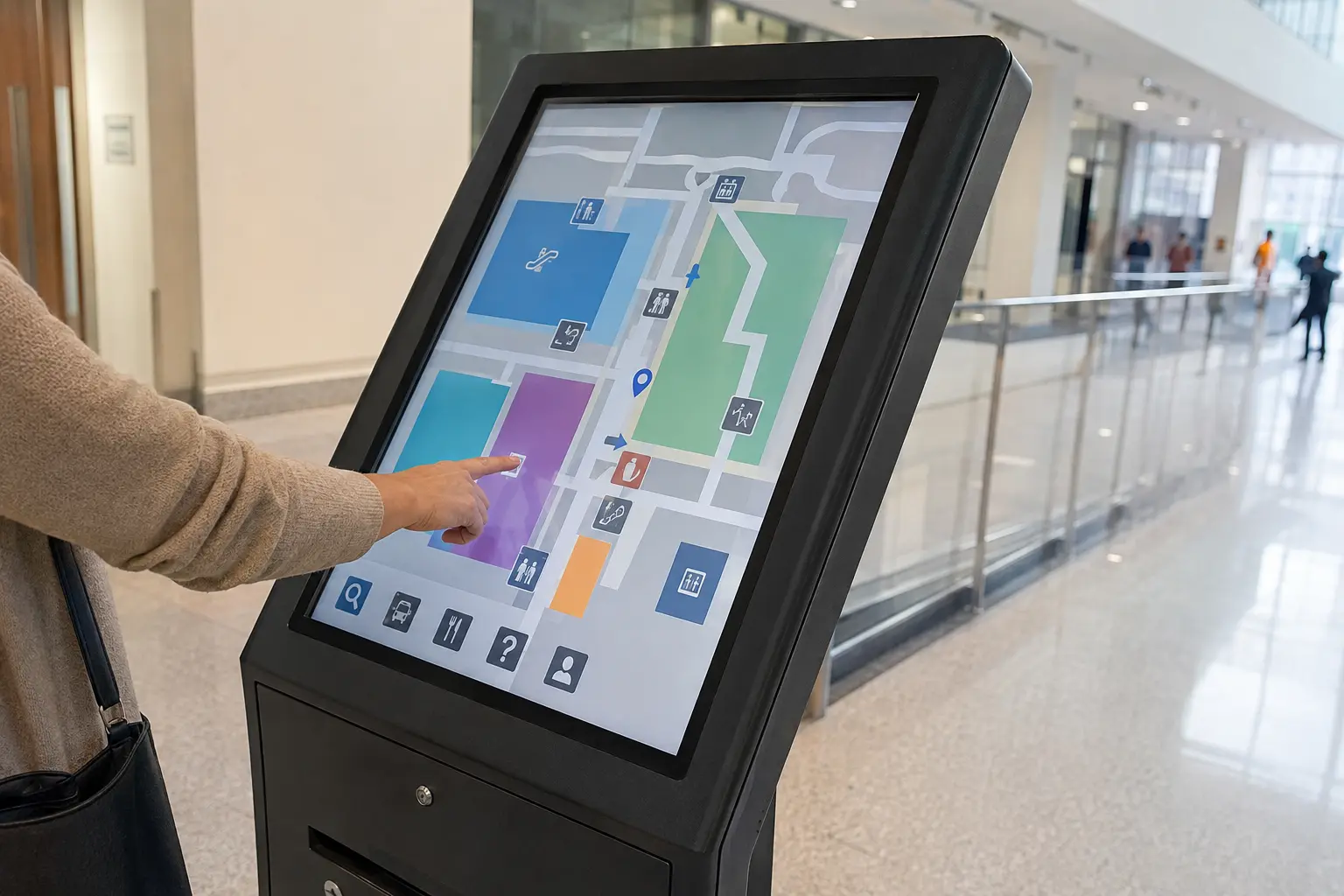
A touchscreen kiosk combines commercial display hardware with an enclosure, computer or media player and an interactive application. The value comes from simplifying a real customer task, not simply adding touch to a screen.
Signartiv plans physical placement, screen size, enclosure, accessibility, cable management and installation, then coordinates with the selected software or content provider.
Common
applications.
- Interactive directories↗
- Visitor check-in↗
- Self-service ordering↗
- Product exploration↗
- Campus wayfinding↗
- Information lookup↗
Planning the system 02
Specify performance,
not just screen size.
We review the display, structure, electrical work, content platform and installation together so the finished system suits the environment and its audience.
01User task
The interface and hardware should be designed around a clear action visitors need to complete.
02Touch technology
Touch type, glass, glove use, public traffic and environmental exposure influence the screen selection.
03Accessible placement
Reach range, approach space, text size and interaction height should be considered early.
04Software ownership
Content, hosting, integrations, security updates and support responsibilities must be defined before launch.
How Signartiv delivers 03
01Assess
We review the site, viewing distance, audience, content and operating environment.
02Specify
We define the display technology, enclosure, structure, power, controls and approvals.
03Install
Our team coordinates site preparation, mounting, electrical integration and commissioning.
04Support
We provide content training and plan practical access for maintenance and future service.
Connected sign services 04
Frequently asked questions 05
Useful answers
before you specify.
Do you develop the kiosk software?+
We can coordinate the display and enclosure with a suitable content or software solution. Project scope determines whether a specialist software partner is required.
Can a kiosk scan QR codes or barcodes?+
Compatible cameras, scanners, printers and payment or identification modules can be considered based on the use case.
Can kiosks be wheelchair accessible?+
Yes. Screen height, reach, approach, interface and surrounding space should be planned with accessibility requirements in mind.
Can one system manage several kiosks?+
Many platforms support centralized content and device management across multiple locations.
Plan the right
display system.
Tell us the location, intended content, approximate size and target timeline. We will recommend a practical display configuration.
Request a quote ↗